Interactive Prototyping.
Test ideas before you build them. We create clickable, high-fidelity prototypes that look and feel like the real product — perfect for investor demos, user testing, and developer handoff.
What We Build
Interactive Clickable Prototypes
We build fully interactive, high-fidelity prototypes in Figma or ProtoPie that simulate the real product experience — transitions, micro-animations, and all.
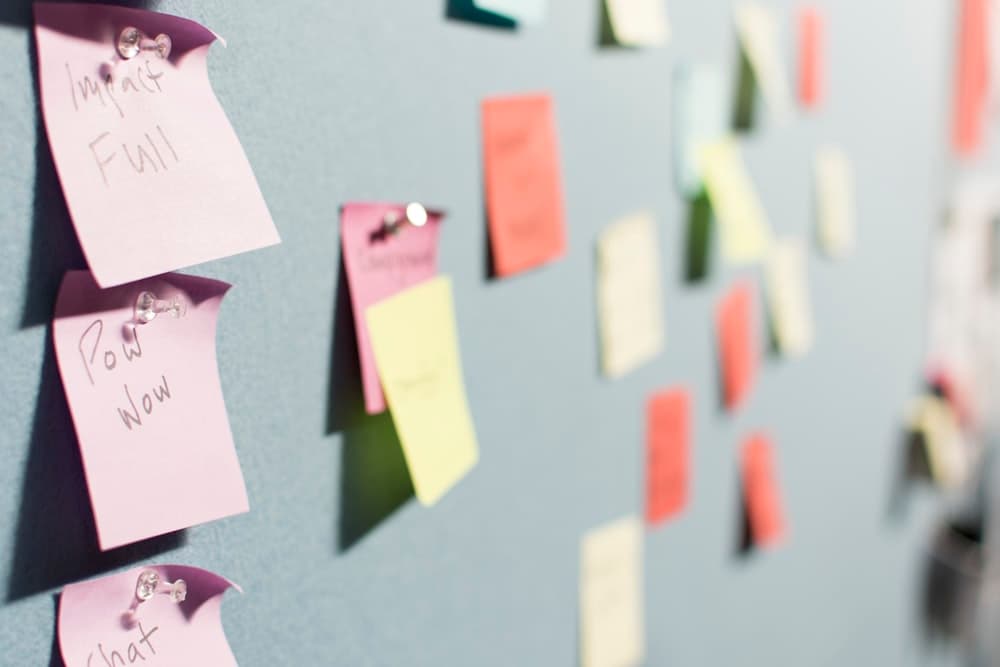
Rapid Low-Fidelity Validation
Before committing to full design, we create quick paper or digital wireframe prototypes to validate the core user flow with stakeholders in hours, not weeks.
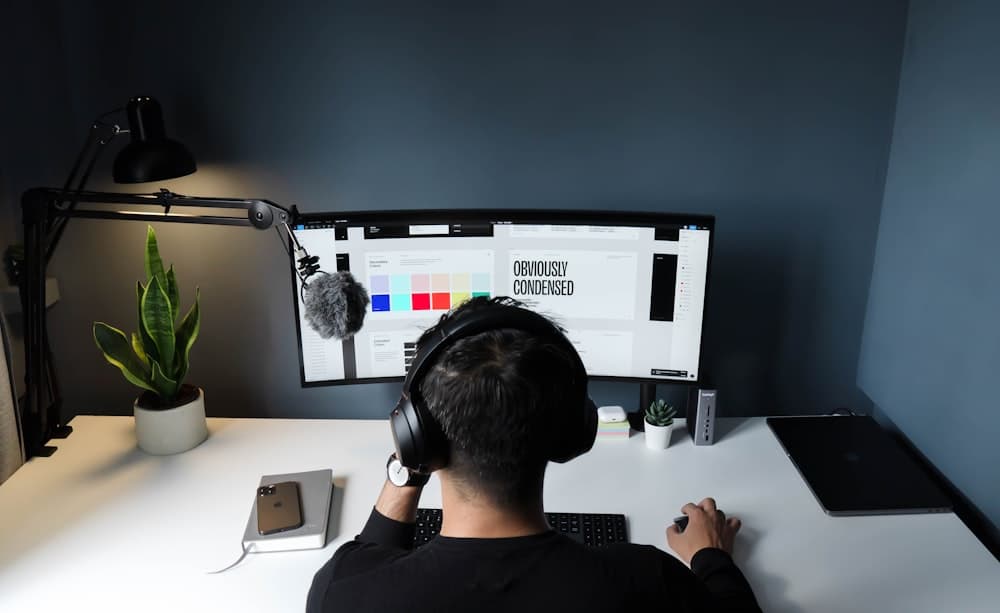
Motion & Micro-Animation Design
Using Principle, ProtoPie, or Lottie to design and export smooth, purposeful animations that delight users and communicate state changes clearly.
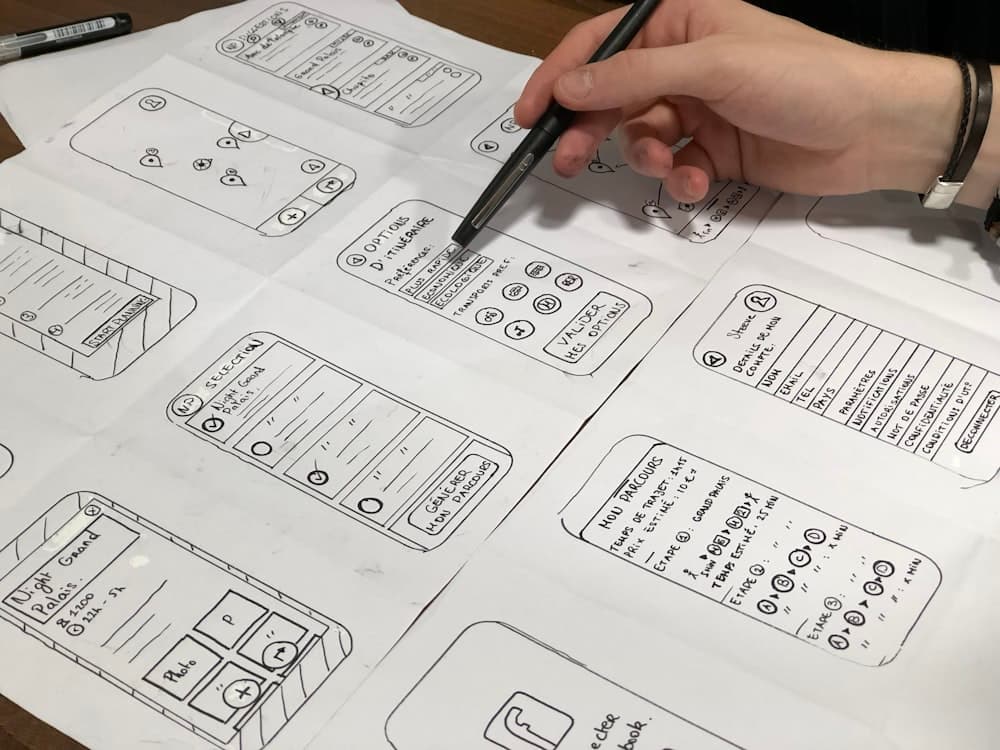
Developer-Ready Handoff
Every prototype is accompanied by annotated Figma specs, exported assets, and Lottie JSON files so developers can implement the vision with zero ambiguity.
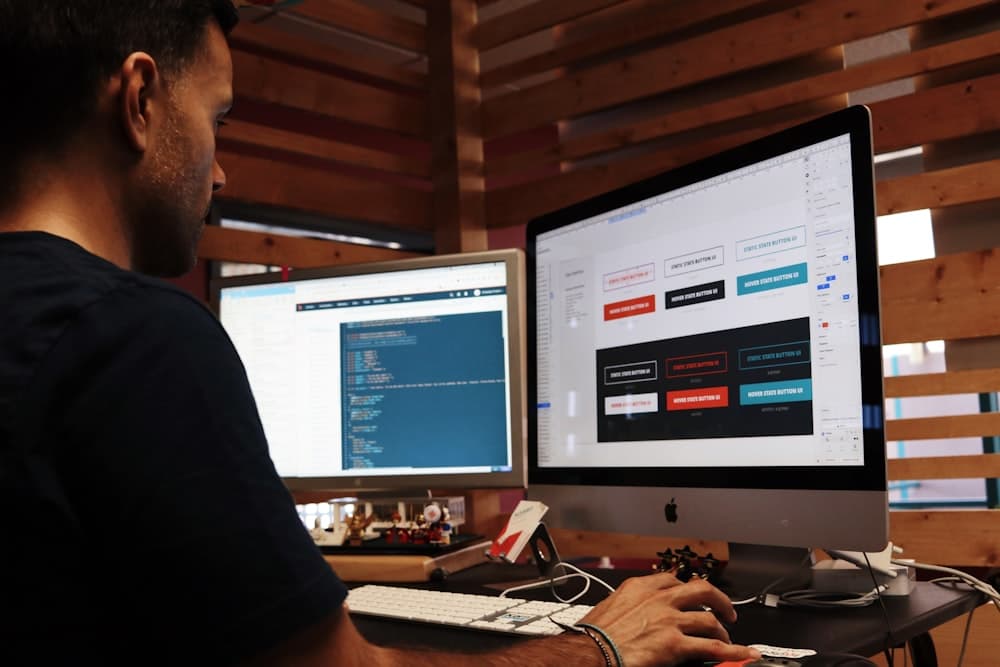
Our Prototyping Stack
How We Prototype
Concept Mapping
Ideation
Using FigJam to map out all user flows, edge cases, and state variations before starting any visual design work.
Lo-Fi Prototyping
Wireframes
Rapid wireframe prototypes to validate navigation, content hierarchy, and core interaction patterns with real stakeholders.
Hi-Fi Prototype
Interaction
Building pixel-perfect interactive prototypes with real transitions in ProtoPie or Figma that feel identical to the final product.
Testing & Handoff
Validation
Usability testing sessions with Maze, recording user sessions, and delivering annotated Figma files to developers.
Not Your Typical Software House
Our real competition is the sea of software houses and agencies that overpromise and underdeliver. Here's what we do differently.
Senior Engineers, Not Outsourced Freelancers
Most software houses staff your project with whoever is free. We assign dedicated senior engineers who stay on your project from Sprint 0 to launch.
100% IP Ownership, Zero Vendor Lock-in
Every repository, database schema and design file belongs to you on delivery — no licensing fees, no dependency on us to keep running.
Weekly Sprint Demos, Not Radio Silence
You see working software every week, not a status email. Full visibility into what's being built and why, the whole way through.
Direct Access to Engineers, No Middlemen
You talk to the people writing the code — not an account manager relaying messages between you and an offshore team you never meet.
Frequently Asked Questions

Ready to Validate Your Idea?
Tell us about your product concept, your target users, and your timeline — our prototyping team will connect with you.
Contact Us